

What counts as a consumer electronic?
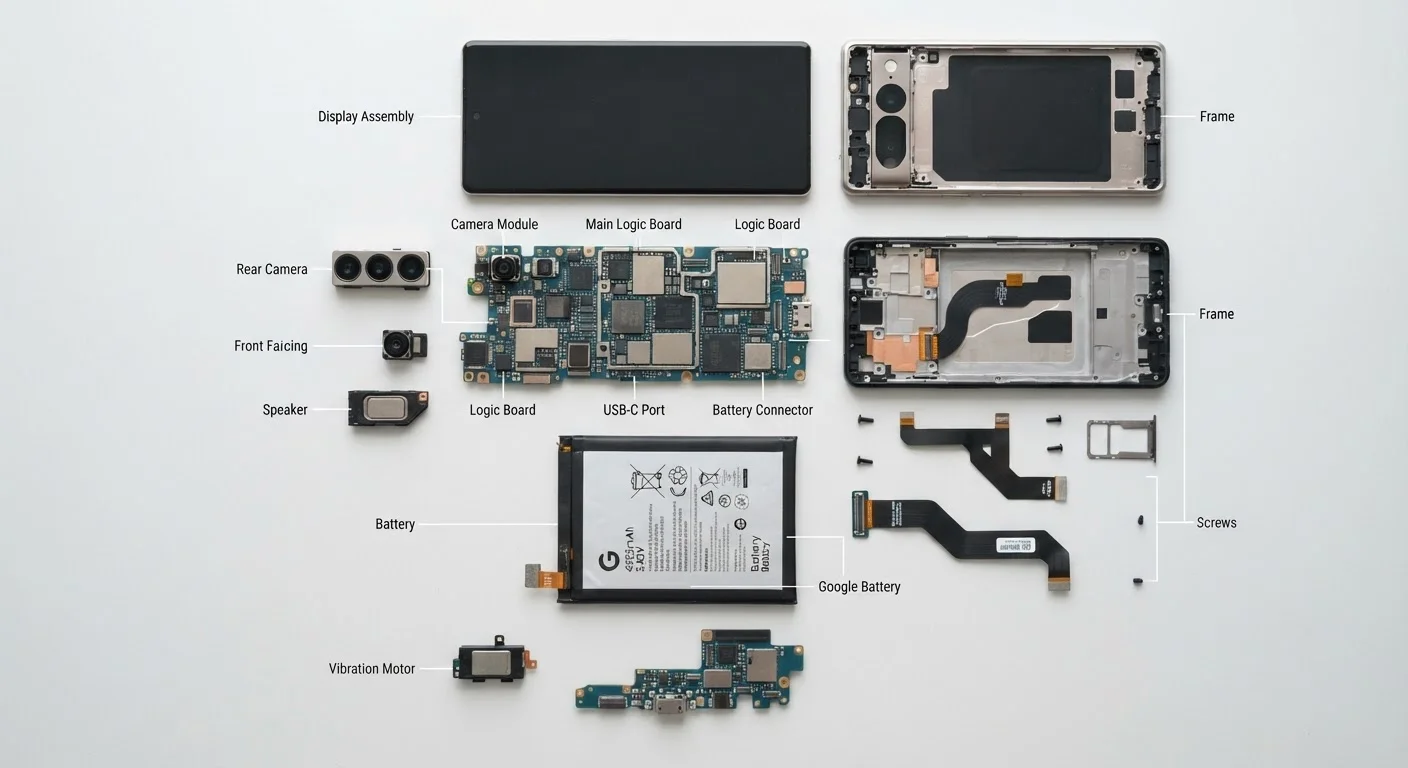
A consumer electronic is any personal device that processes, stores, or transmits information digitally. That definition covers smartphones, laptops, tablets, televisions, wireless routers, smart speakers, streaming sticks, and game consoles. It also covers less obvious items: cordless phones, e-readers, and even some kitchen appliances that connect to Wi-Fi.
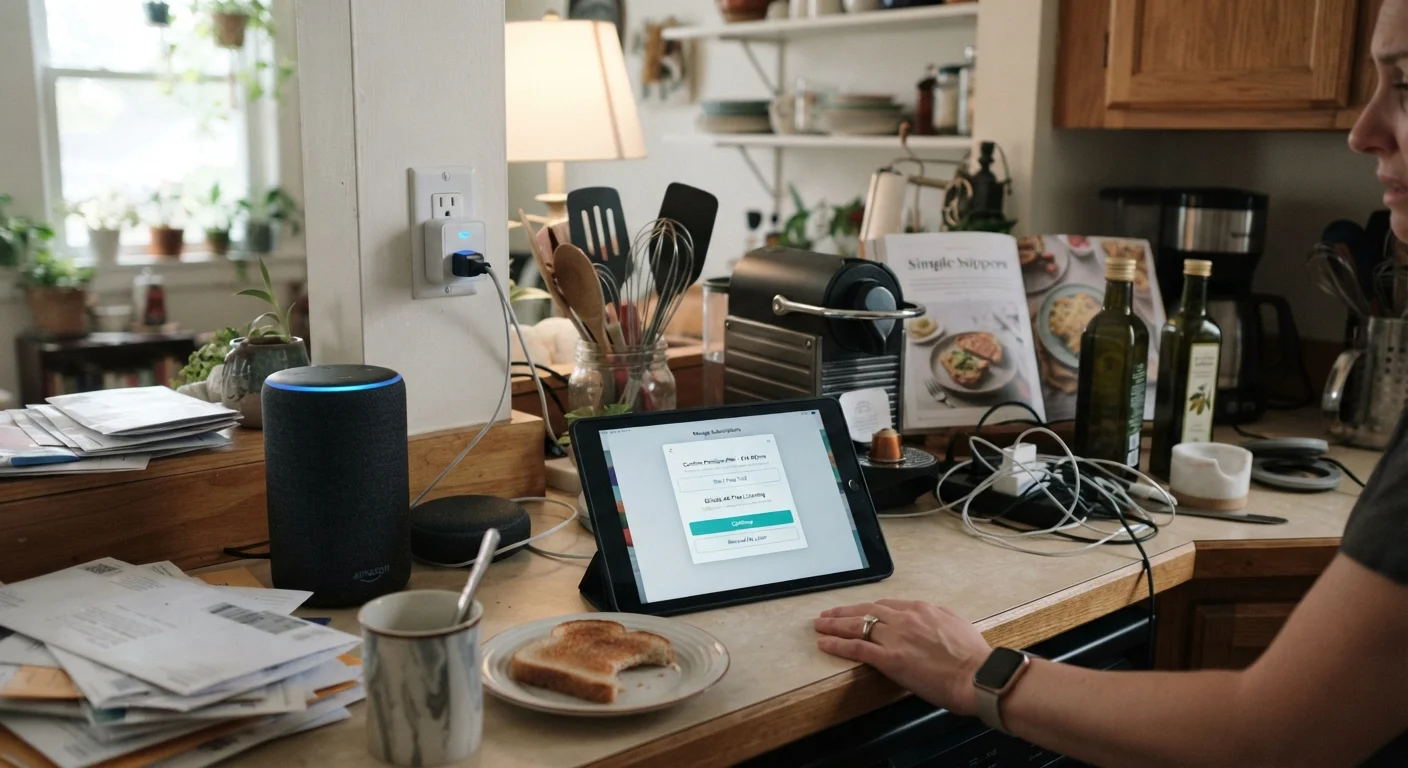
Most households contain more of these devices than they realize. A family of four might have a dozen or more connected devices running at once, all sharing one internet connection and one power grid. Understanding what each category does helps you decide where spending more actually changes your experience and where it does not.
RAM
Short for random-access memory. It is the temporary working space a device uses while apps are open. More RAM allows more apps to run at the same time without slowing the device down.
Storage
The permanent space on a device where files, photos, and apps are saved. Unlike RAM, storage keeps its contents when the device is turned off.
Operating system
The core software that manages a device's hardware and runs all other programs. Common examples are Android, iOS, Windows, and macOS.
Wi-Fi
A wireless networking technology that connects devices to a local network and the internet through a router. Signal strength and speed depend on distance from the router and physical obstructions.
Bluetooth
A short-range wireless standard that connects two devices directly, such as a phone to a wireless speaker, without needing a router.
Software support window
The period during which a manufacturer releases security updates and feature patches for a device. Once this window closes, the device stops receiving fixes for newly discovered security gaps.
Hub
A separate piece of hardware that some smart home devices require as a go-between, connecting them to your Wi-Fi network and enabling app control.
The specs that actually matter
Manufacturers list many numbers on packaging, but only a few change how a device feels in daily use. For phones and tablets, the specs worth examining are RAM (how many apps can run at once without slowing down), storage capacity (how many photos, apps, and files you can keep), and battery capacity measured in milliamp-hours (mAh). Display resolution matters for reading and video; anything at or above 1080p (Full HD) appears sharp at normal viewing distances.
For laptops, processor speed and generation affect how quickly the machine handles demanding tasks. A current mid-range processor handles web browsing, document editing, and video calls without strain. For televisions, panel size relative to your viewing distance and support for current video formats (4K HDR, for instance) are more relevant than most picture-mode settings.
Our guide to reading electronics spec sheets explains each number in plain language so you can evaluate any device confidently. For a focused glossary on storage, RAM, and processor terms, see this plain-language reference.
How devices work together
Most home devices connect through one of three paths: Wi-Fi, Bluetooth, or a wired ethernet cable. Wi-Fi carries data wirelessly over longer distances and is the backbone for streaming video and internet access. Bluetooth handles short-range connections between pairs of devices, such as a phone and wireless headphones. Ethernet cables deliver faster, more stable connections for devices that stay in one place, like a desktop computer or a gaming console.
Smart home devices add another layer. Many use proprietary wireless protocols that require a separate hub, meaning a device marketed as simple can actually depend on additional hardware to function. The protocol called Matter, supported by a growing number of devices, aims to let products from different manufacturers work together without extra hubs, though compatibility still varies in practice.
Before adding a new device, check that your router can handle the additional connection, and confirm whether the new device needs any hub or bridge hardware already in your home. The hidden costs of smart home devices covers how hub requirements and subscription fees can add up.
Check your router's device limit
Most consumer routers handle 20 to 30 simultaneous connections without issue, but older or lower-end models can slow noticeably as more devices join. Before adding smart home gadgets, log into your router's admin page (usually at 192.168.1.1 or 192.168.0.1) to see how many devices are currently connected. If you are already near the limit, a router upgrade may give more benefit than the new device itself.
Extending the life of what you own
Hardware rarely dies from age alone. Heat, moisture, physical drops, and poor charging habits cause most premature failures. Keeping devices away from direct sunlight and heat sources, using cases for portable devices, and avoiding charging to 100% and draining to 0% repeatedly all reduce wear on internal components.
Lithium-ion batteries, which power almost all portable electronics, degrade faster when kept at temperature extremes or charged with non-standard adapters. Charging at room temperature with the adapter the device shipped with (or a certified equivalent) slows that degradation. Software also matters: keeping the operating system updated patches security gaps and often maintains performance on older hardware.
When a device slows down, a factory reset sometimes restores responsiveness by clearing accumulated data and poorly maintained apps. Before deciding a device is finished, check whether the manufacturer still issues security updates for it. A device without patches is a security liability regardless of how well its hardware runs. Our article on the lifecycle of a consumer device gives a fuller picture of when to repair versus replace.
Making informed choices without overspending
The single most useful habit before any electronics purchase is writing down your actual use case. List the three or four tasks you will do with the device every day. Then find the minimum specs that handle those tasks, and treat anything beyond that minimum as optional. This approach stops manufacturers' tier names ("Pro", "Ultra", "Max") from driving decisions that your real habits should drive.
Ongoing costs deserve the same scrutiny as the purchase price. Cloud storage subscriptions, streaming service fees, and accessory requirements (cases, chargers, proprietary cables) are predictable expenses that belong in any honest cost estimate. A device with a lower sticker price but mandatory monthly fees may cost more over two years than a pricier device with no subscription.
Warranty length and software support windows are often overlooked. A two-year hardware warranty and five years of operating system updates indicate a manufacturer's confidence in the product and set a realistic upper boundary for useful life. Devices with short support windows become harder to secure against threats before the hardware wears out, which shortens the practical value even for buyers focused purely on price.